
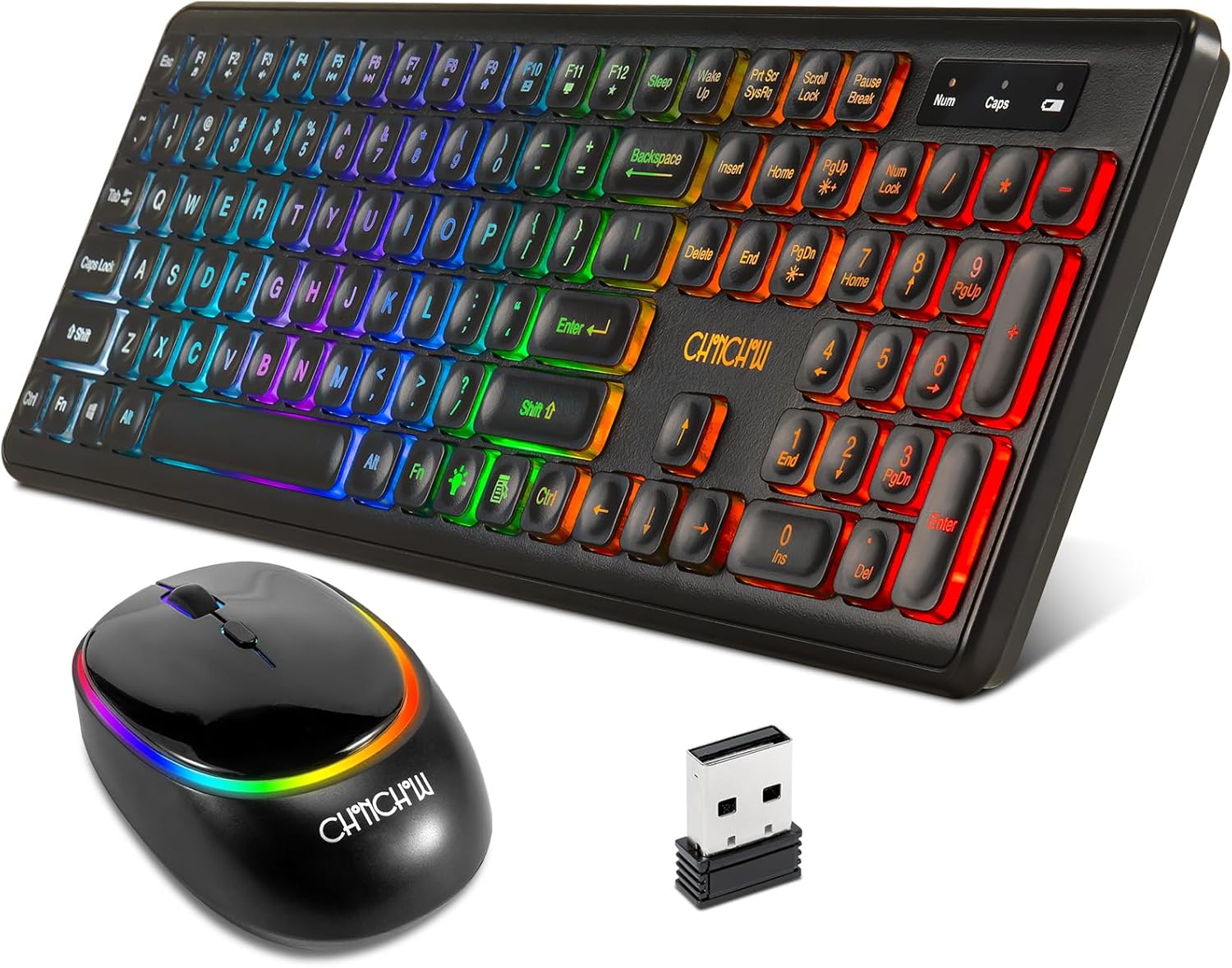
Description
Specification: Wireless keyboard size: 17.3*5.1*1.3 in Wireless mouse size:4.7*2.7*1.2 in Click life:10 millions times Mouse DPI:800/1200/1600 Color:black Highlights: Compact and light enough to carry while leisure office travel and home Just one small receiver connects both the keyboard and mouse and enjoy an instant Whisper-quiet click the keys requires less forces to press Plug and play,no additional software needed The volcanic -vent switches design reduce the fatigue with prolonged using Combo package for gift,Sent it as presents Compatible with Win XP/7/8/10/Vista Mac Laptop Desktop Started: Step 1: Take out the nano receiver , insert batteries for both keyboard and mouse Step 2: Plug the nano receiver into your Win XP/7/8/10/Vista Mac Laptop Desktop Step 3: It will connect to your computer automatically How to solve the keyboard and mouse with no response? Step 1:power off all other electricity devices,be sure that both the keyboard and mouse in " electricity" status Step 2:Plug into the receiver and press the "ESC +Q"simultaneously for three seconds,then the keyboard will restore Step 3:Plug out the receiver and replug,wait for a moment and press the left and right clicks simultaneously then the mouse will restore. Do not release the clicks for several seconds until the mouse enter normal work NOTICE: If all above actions failed,please try more several times or contact us at any times


